Start with your room
Upload a real photo so every idea begins from the space you already live in.
Upload a photo, mark the pieces you want to keep, and explore a redesign built around the room you already love.
No card needed. More designs from $4.99.
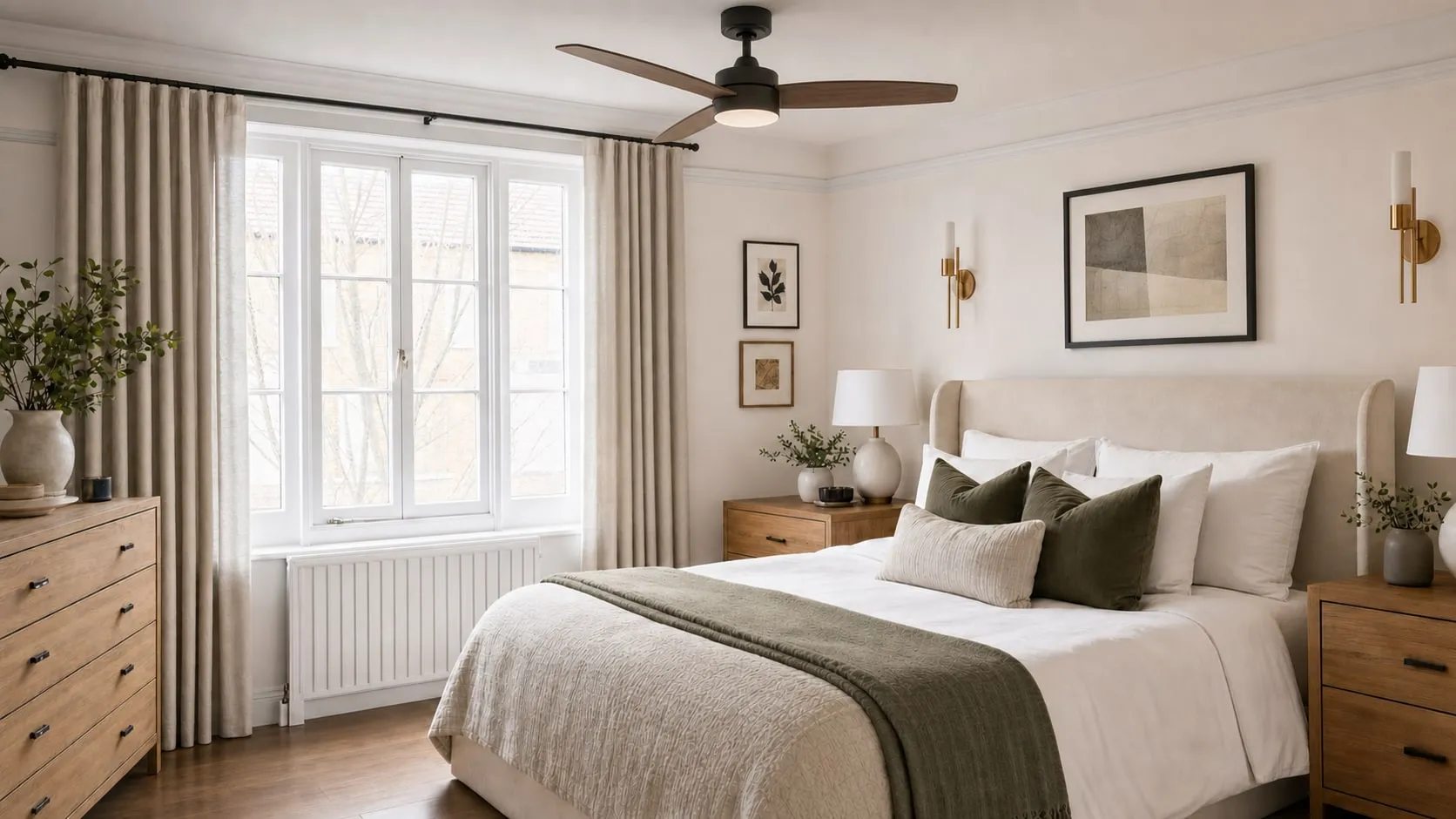
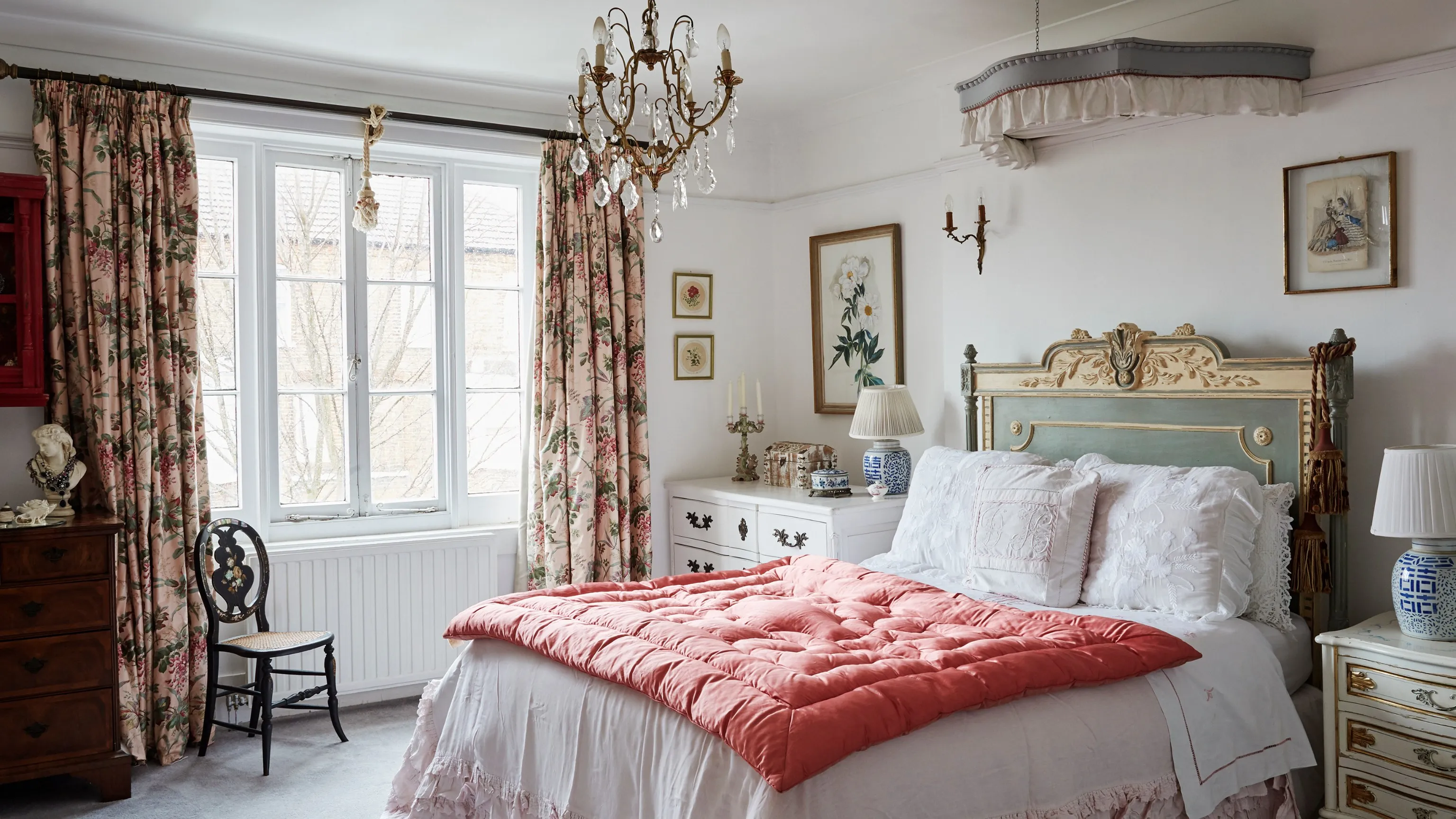
Upload a real photo so every idea begins from the space you already live in.
Pick the room type, a style direction, and anything you want RoomFoundry to keep.
Get a realistic first look shaped around your photo, your taste, and your notes.
RoomFoundry is an AI room design tool that helps you preview realistic interior design ideas using photos of your actual space. Upload a bedroom, living room, office, dining room, or other room photo and see what it could look like with a different style, rug, furniture layout, color palette, lighting, bedding, curtains, wall art, or decor.
It is built for people who want to make better home design decisions before spending money. Instead of guessing whether a rug, sofa, paint color, bedding set, or design style will work, RoomFoundry gives you a visual preview first.
The first preview is free and does not require a credit card. After saving a preview, users can create an account to receive a credit, refine their result, and add credits for more designs.
RoomFoundry is not asking you to imagine from scratch. It reads the room you already have, follows your style direction, and works around anything you want to keep.
Start from the room you actually live in.
Keep the pieces that already work.
Turn the result into a direction you can revise and shop.
Start free
Start with a photo. It takes about a minute to create a first direction you can keep shaping.
Try your room freeRoomFoundry is an AI interior design tool that lets you upload a photo of a real room and preview realistic redesign ideas before buying furniture, rugs, paint, decor, bedding, curtains, or wall art.
Upload a room photo, choose a design direction, and RoomFoundry generates a realistic redesign preview of your actual space. After the first result, you can save the room, request refinements, and use shopping ideas to help plan what to buy.
Yes. RoomFoundry uses AI image generation to redesign real room photos while preserving the general perspective and layout of the original space. It is useful for visualizing design direction before spending money on furniture or decor.
Yes. RoomFoundry offers a free first preview with no credit card required. After the preview, users can create a free account to save the design and continue.
The first room preview is free, with no credit card required. One-time credit packs cost $4.99 for 10 credits, $9.99 for 30 credits, or $19.99 for 80 credits, in USD. There is no subscription. A new room design uses 2 credits; a refinement or same-room style change uses 1 credit.
A new room design uses 2 credits. Revisions and same-room style changes use 1 credit. Viewing, saving, comparing, downloading, and shopping ideas do not use credits.
Yes. RoomFoundry can help preview bedroom makeover ideas from a photo, including different styles, bedding, rugs, curtains, lighting, furniture, wall art, and decor.
Yes. RoomFoundry can generate living room redesign previews from real photos, helping you visualize rugs, sofas, chairs, coffee tables, paint colors, lighting, and decor before buying anything.
Yes. RoomFoundry can help you visualize how a rug changes the look and feel of a room before you buy one. It works especially well for living rooms, bedrooms, dining rooms, and offices.
RoomFoundry is not a full replacement for a professional interior designer, contractor, or architect. It is best used as a fast visual planning tool to explore styles, colors, furniture, and decor ideas before making purchases.
RoomFoundry focuses on realistic previews from actual room photos, practical refinements, shopping ideas, and a simple flow built around helping people make better design decisions before spending money.
No. A clean, well-lit photo usually works best, but messy rooms are fine. RoomFoundry is designed to help you see what the room could become.
You can upload bedrooms, living rooms, dining rooms, home offices, nurseries, guest rooms, apartments, and other interior spaces.
Yes. RoomFoundry can provide shopping ideas after a design direction is created, helping you understand what kinds of furniture, rugs, decor, bedding, lighting, or accents to look for.